In InDesign file with actual size cards (2.5×3.5 in)
- perform automated checks on fonts, layout, etc
- Export all at quality max ppi 600 color rgb to an empty folder
- export all to /roy’s workings/cards png all
- close InDesign
- open a console window
- cd to /roy’s workings
- run the php file move-and-cleanup.php
- creates “images -renamed” folder contents
- finds and renames themissing image card to #404…
- creates “images-combined” folder contents
- ftps images to web floder images/nudges
- ftps images to web folder images/compined
- modify the creative-nudges.php file to have the correct number of nudges 70 -> ??
In InDesign, in a file with 2.75×3.75 in pages
- set a frame of 2.5×3.5in, centered, on each master page
- make right-side pages yellow on master page
- make left-side pages green on master page
- overlay 1st 4 pages with white
- prepare blue overlay to use on left pages with blue images
- drag pngs individually from the folder with the exported pngs to appropriate pages, making sure of alignment adding blue overlay as appropriate before dragging the png in
- export all as before to a new empty folder
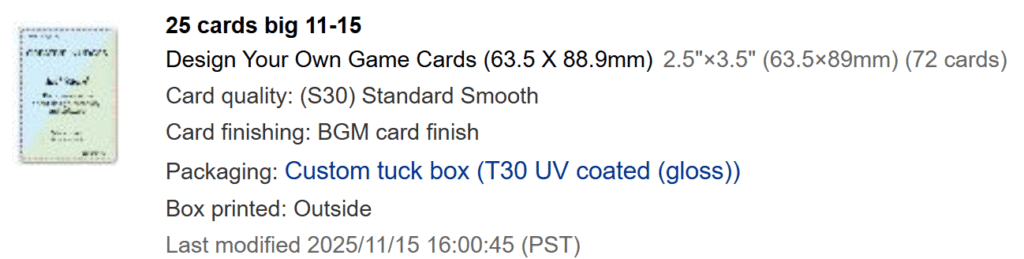
In https://www.boardgamesmaker.com/
make a new project
Box Template
- Also, use their box template to design box.
- Probably a good idea to download the template for each run in case they change it.
- Be sure to curve the fonts before sending to printer